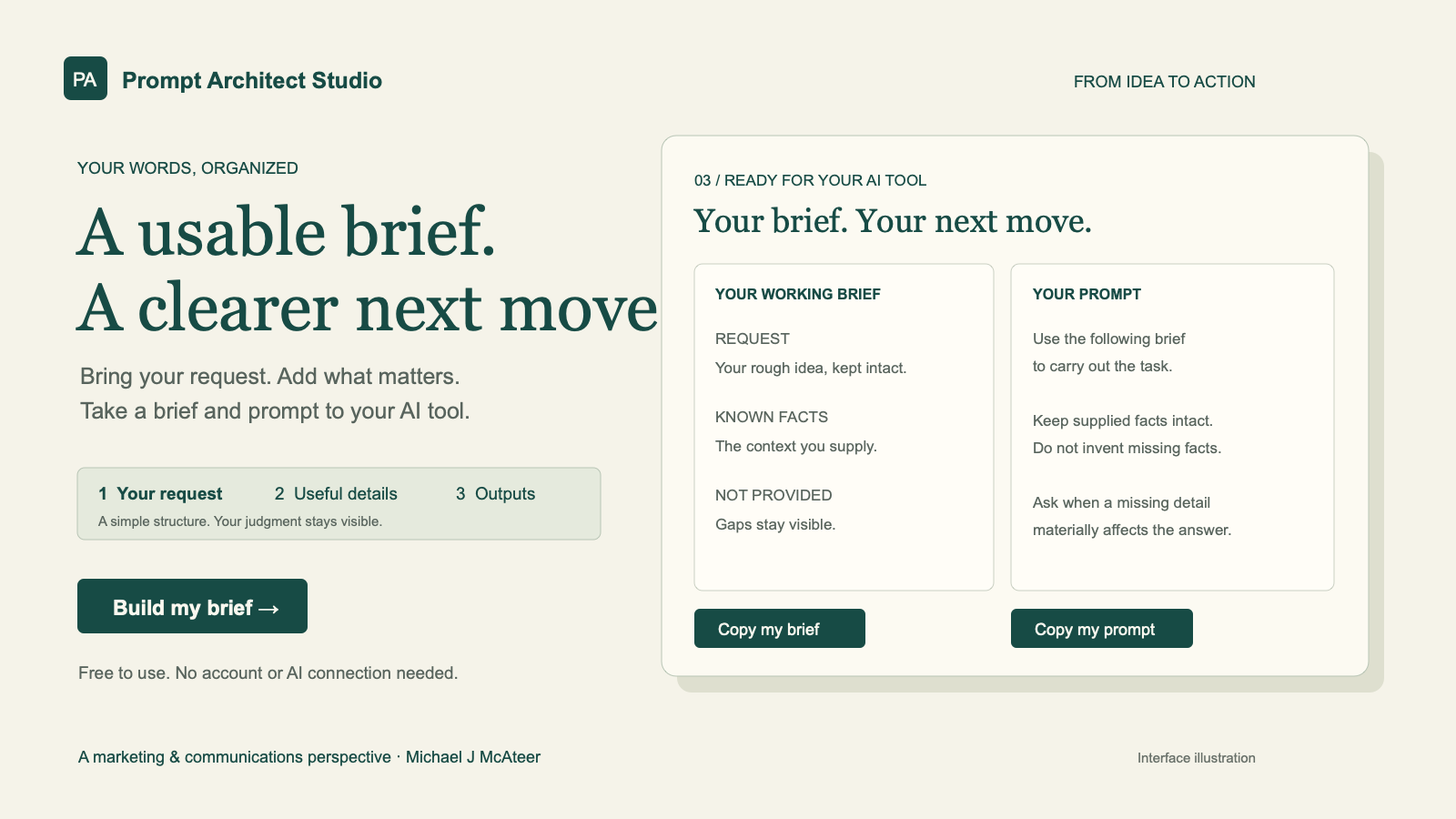
A free tool that organizes your rough request and supporting details into an editable brief and a prompt for your preferred AI tool. Built around clearer decisions, visible uncertainty, and control over your own words.
3
Steps: request, useful details, brief and prompt
2
Editable outputs to copy or download
Free
No account or AI connection required
Local
Inputs stay in the browser page’s memory
01 / Problem
A request can name the task while leaving its goal, audience, facts, constraints, and unknowns scattered or unstated. Before asking AI to do the work, the user needs a way to see what they know and what still needs a decision.
The design challenge was to make that preparation useful without pretending the tool had understood, verified, or improved the user’s facts. A clearer brief can support review; it cannot guarantee a better AI answer.
02 / Audience
The tool is designed for professionals who want to prepare a request before using their preferred AI service. Its intended uses include campaign briefs, messages, plans, summaries, and research requests. These are design use cases, not measured adoption claims.
03 / Solution
The current builder has three steps. Start with a rough request and an optional desired output. Add any known goal, audience, facts, constraints, and uncertainties. Then review an editable brief and a prompt that can be copied or downloaded.
The browser assembles a fixed structure from the supplied fields. It keeps the request intact and marks blank fields as not provided. It does not extract facts from the request, tune the output to a particular model, or call AI.
04 / Execution
Frame the method. Organize the briefing process around goal, audience, known facts, unresolved assumptions, constraints, and output checks.
Demonstrate the decisions. The fictional Loop bike-shop case shows why booking a drop-off must not imply confirmed eligibility or same-day collection. Its example and commentary are authored; no campaign performance is claimed.
Build the interaction. A three-step flow keeps optional details separate from the required request. Editable outputs, clipboard fallbacks, downloads, and draft-loss warnings support taking the work away.
Verify and publish. The October 2026 release passed 26 automated tests and production build checks. Six pages were prerendered; live checks confirmed the builder flow, copying, routes, and discovery assets.
05 / Tools & platforms
React and JavaScript handle the browser interaction. An esbuild-based build produces static HTML, CSS, and scripts, hosted on Cloudflare Pages at the existing custom domain. The release includes route-specific metadata, canonical URLs, structured data, robots, and a sitemap.
06 / Use cases
Use the builder to organize a campaign brief, scope a comparison, prepare a message, or make the assumptions behind a plan explicit. The user still supplies the context and reviews the answer from their chosen AI tool.
The reusable method and fictional worked example give visitors another way to examine the choices behind a brief. The optional exercise offers prepared perspectives; it does not analyze or score a reflection.
07 / Delivered result
The current release is live and free to use. Visitors can create, edit, copy, and download their own brief and prompt without an account or an AI connection.
The demonstrated result is a usable preparation workflow. Token savings, completion-time improvements, output quality, and user adoption have not been measured for this version. Those claims would require a defined evaluation and evidence.
Next Case Study
AI · B2B SaaS · Product Design
BrandLockBox →
A brand-aware AI prompt workspace — store your brand DNA once and every AI output is automatically shaped by your voice, audience, and channel rules.
Want to build something like this?
If you're looking for an AI architect and designer who can take a concept from raw insight to a live, useful product — let's talk.